These instructions describe how to update the Google Chrome browser that is installed on your computer.
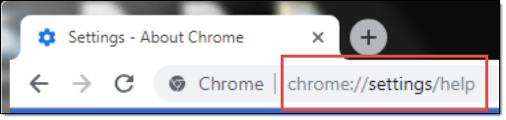
1) Open Chrome. Type or copy/paste the following link into the Chrome address bar:
chrome://settings/help
2) If your Chrome browser is not up to date, it will immediately fetch the update.
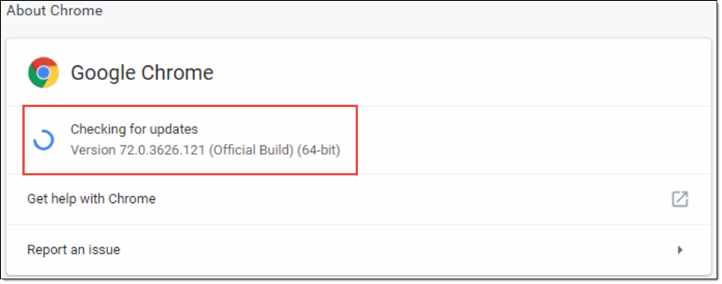
3) The update takes just a couple of seconds to finish. When it is done you will see a message confirming Chrome is up to date along with the new version number.
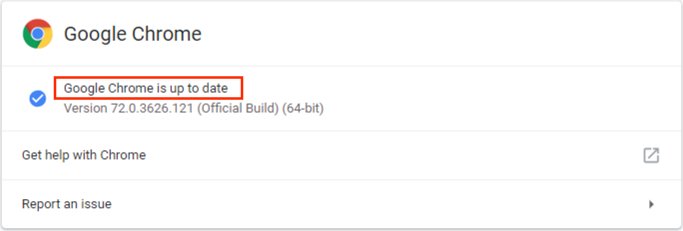
You are all done!
0 Comments