Effective Thursday, May 2, 2019 Casa Pacifica will begin using the "New Experience" view of libraries and folders in Sharepoint. This new option improves the look and feel of Sharepoint folders when viewing them in a web browser. This includes the Casa Pacifica “Shared Drive”.
With the "New Experience" view Microsoft has greatly improved the speed and functionality of what you can do with files and folders in a web browser. This includes the ability to move or copy an entire folder. There is no change to the way the Sharepoint folders work when using Windows File Explorer.
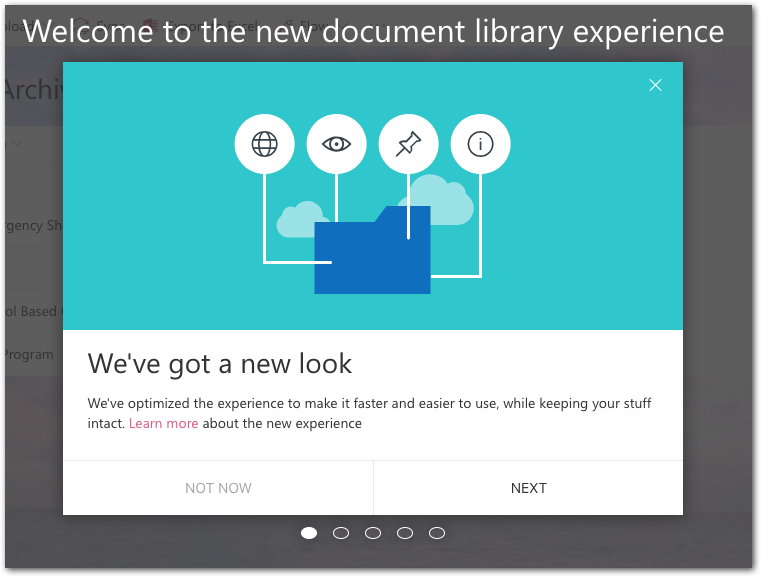
The first time you navigate to a folder that is using the new view, you are given the option to see a quick tutorial of the changes. Please step thru the brief tutorial to get acquainted with the new look:
When you land on a folder that uses the “New Experience” you will see differences in the appearance of the Quick Launch links and Folder list. There are new fonts, a view menu, and the option to revert back to the old view if you really do not like the new one:

You can check an item to show a new menu bar along the top or use the new triple dot button to bring up a more extensive menu of options.

In both cases, the "Move to" and "Copy to" options make it much easier to move files or an entire folder.
For more details about the new view experience, please visit this Microsoft page: https://support.office.com/en-ie/article/differences-between-the-new-and-classic-experiences-for-lists-and-libraries-30e1aab0-a5cc-4363-b7f2-09e2ae07d4dc
0 Comments